
The app
PCB design. At home on your Mac.
PCB Studio is Marco Rossini’s native macOS app for developing electronic boards with AI. Keep the conversation, the design artifacts and the physical board in one workspace.
- Platform
- Native macOS
- Access
- Free, by request
- Stage
- Active beta
From a board idea to a project you can inspect
A board design moves through several kinds of information: the original requirements, a schematic, a bill of materials, component placement, copper routing and a mechanical view. PCB Studio brings these into a native Mac workspace so you can move between the design conversation and the artifacts it produces.
ADE, the Agent Development Environment inside PCB Studio, helps develop the project from your description. You review the proposed direction, inspect the outputs and decide what should change. The aim is to make the reasoning and the resulting board easier to follow as the design develops.
Choose the view that answers your question
Each view reveals a different part of the same project. A convincing 3D model does not confirm the electrical design; a schematic alone cannot show whether a connector sits correctly on the board. Use them together when reviewing a change.
- Schematic: inspect the connections and component choices behind the circuit.
- Bill of materials: review the parts that the design depends on.
- PCB layout: look at placement, routing and the physical space available on the board.
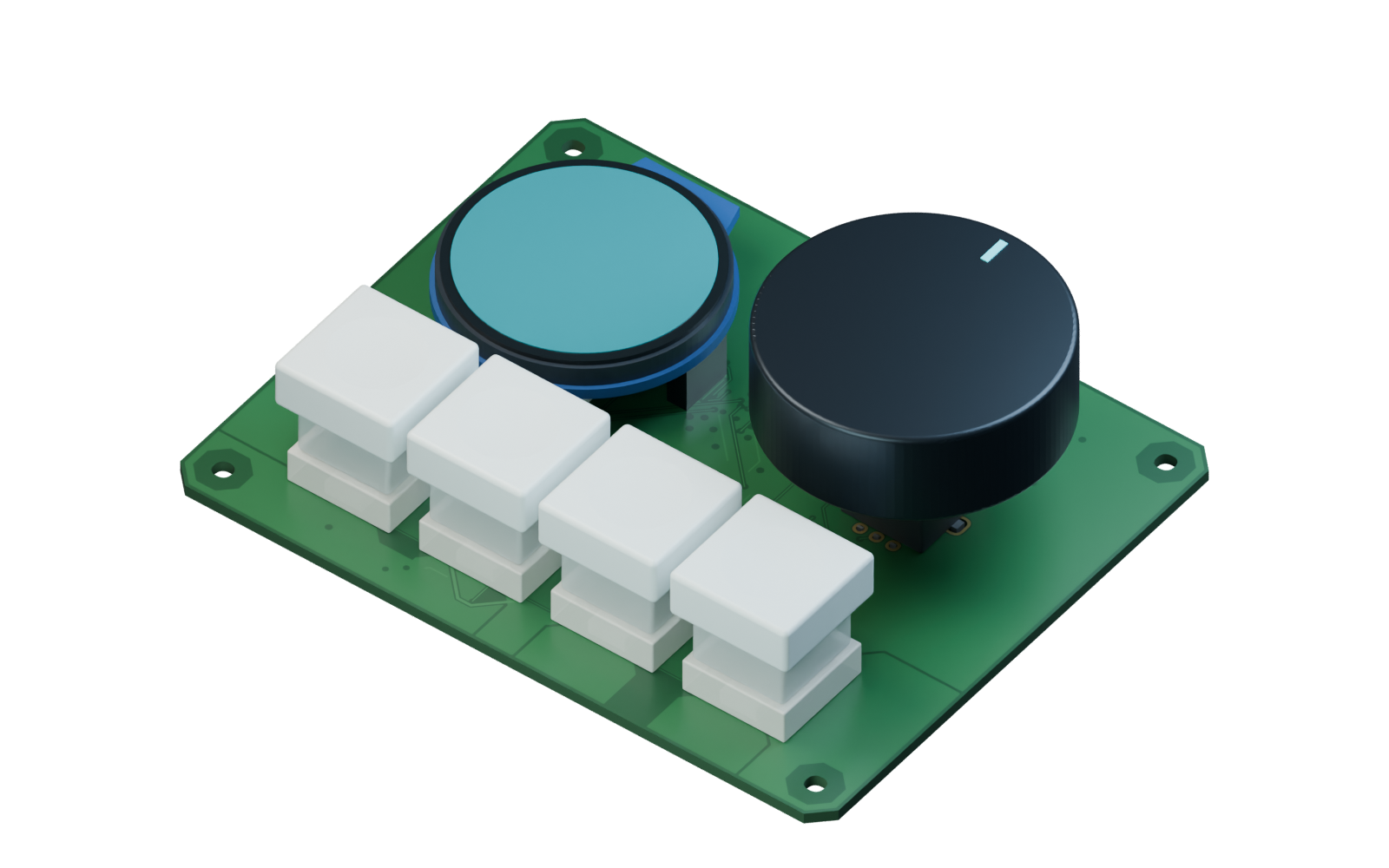
- 3D view: inspect both sides, connector positions and component geometry together.
A workflow that includes KiCad
PCB Studio works with KiCad PCB files and uses KiCad in its engineering workflow. Keep reviewing the board data and the applicable design checks as you iterate. The current beta is intended for people who are comfortable exploring an evolving electronics tool and reporting the places where it needs work.
The published examples show actual projects and recorded app sessions. They are useful for understanding the workflow and inspecting its outputs. They do not certify a board for fabrication or replace electrical, mechanical and manufacturing review.
What you need for the current beta
The current beta targets Apple Silicon Macs running macOS 14 or later. KiCad 10 or later and Codex signed in with your own account are external requirements. Any account limits or costs for those external services are separate from free access to PCB Studio.
This is a development beta, distributed directly rather than through the Mac App Store. It is not notarized by Apple; installation requires an explicit macOS approval and may be restricted on managed Macs. Installation instructions are provided to approved testers.
Free access, with personal review
Early access opens in small groups. Marco reviews requests personally so he can follow the projects people are trying, gather feedback and fix problems as they appear. The request form asks about your Mac, your board idea and your GitHub profile. You do not enter a password on the PCB Studio website. A free GitHub account is needed to receive access to the private beta repository after approval.
Submitting the form is a request for access, not an immediate download. Donations are optional and do not affect admission. An open source release is planned; a public source repository is not available through this site yet.